How many times have you asked “what do you see right now?” CareLink mirrors your parent’s phone screen onto yours, so you can watch along and talk them through it — from anywhere.
Free to install and sign up · A phone number is all you need
HOW IT WORKS
Connect once, then help whenever they ask.
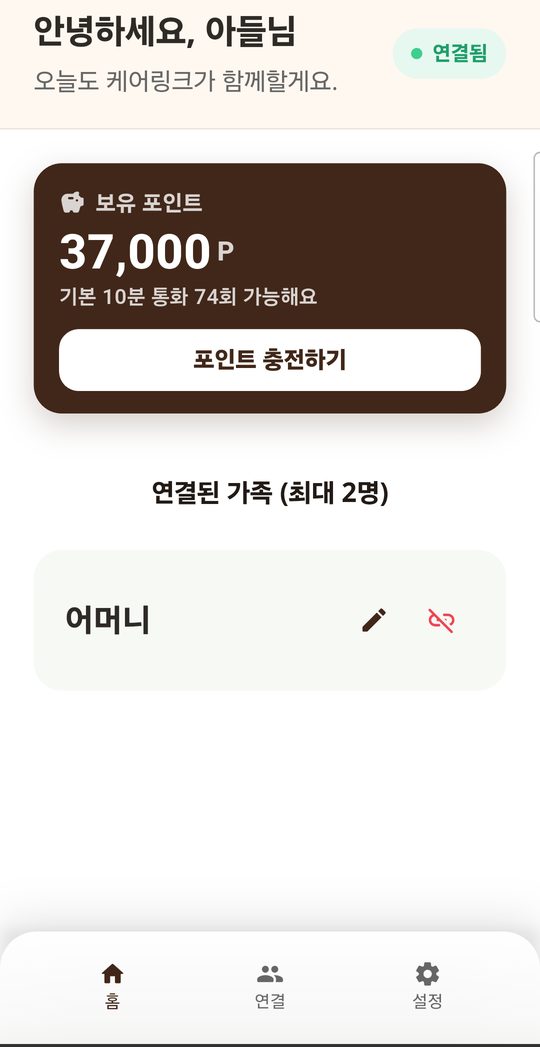
Your parent gets a connection code; you enter it on your phone. A phone number is all either of you needs to start.
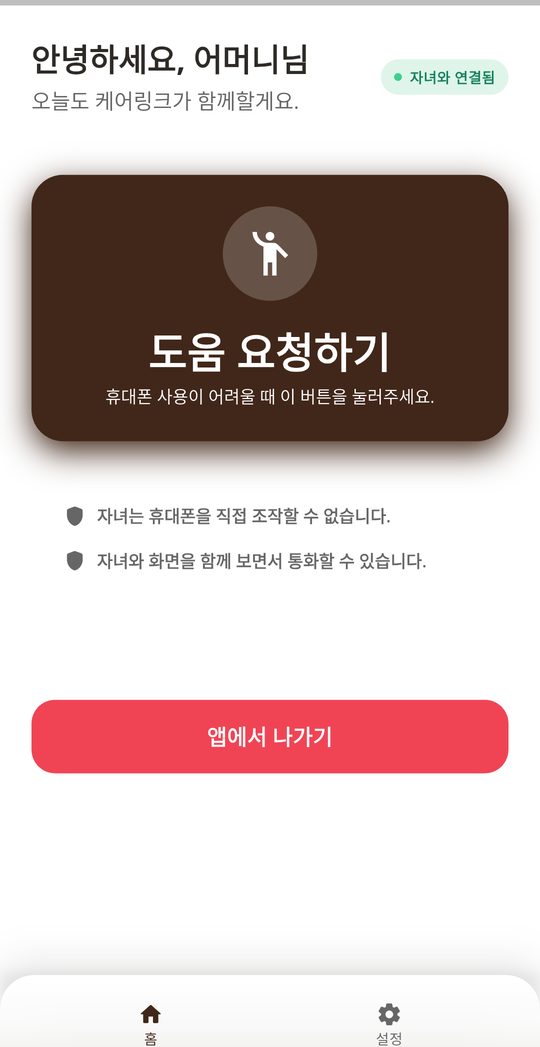
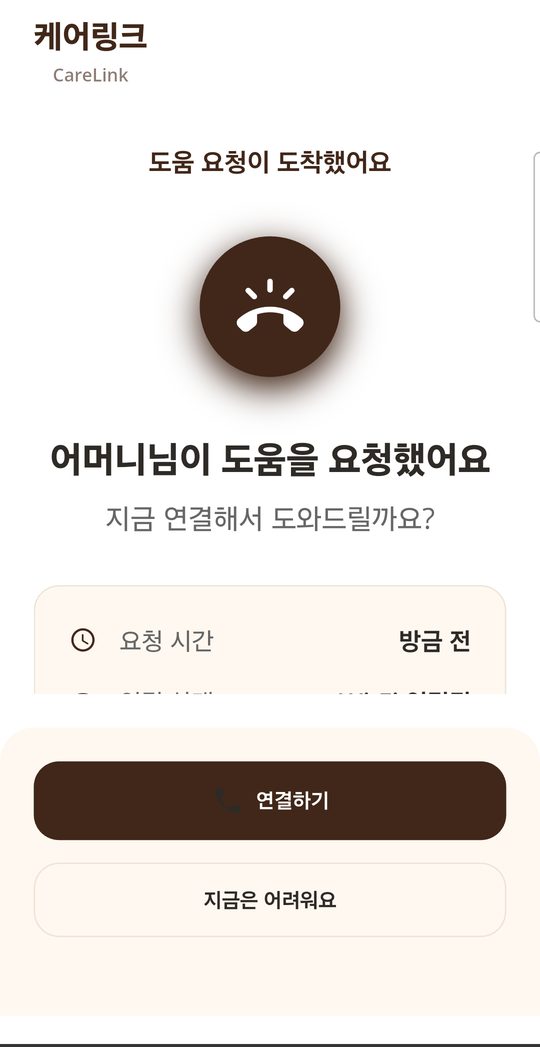
When they get stuck, they tap one large button. Your phone rings, wherever you are.
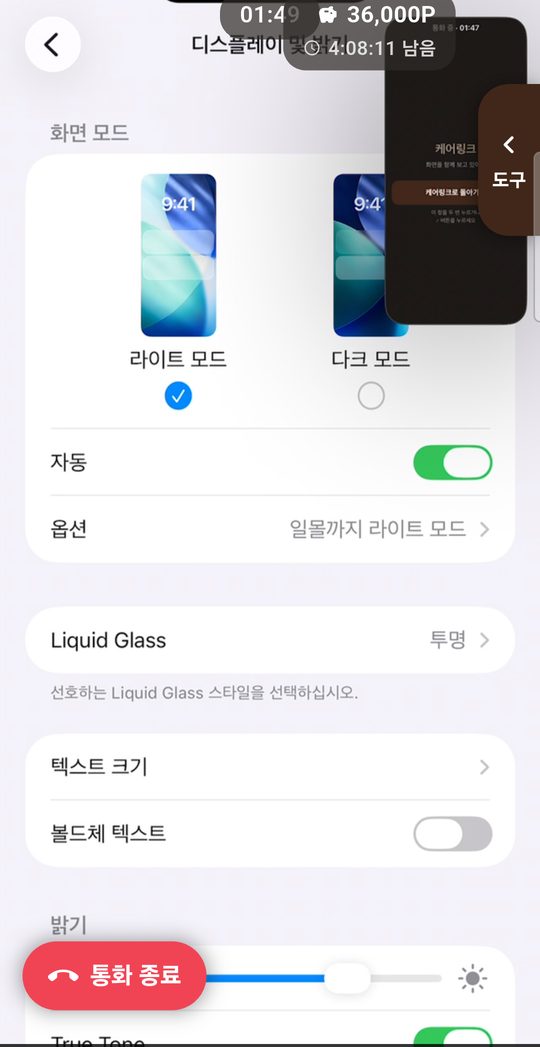
Their screen appears on your phone and the voice call starts. You can see exactly what they see while you explain.
FEATURES
Built so that a first-time user never gets lost.
You see the actual screen, live. No more guessing what they are looking at or which button they just pressed.
The voice call runs alongside the screen, so you can say “tap the blue one” and they will.
The parent’s screen has one thing on it: ask for help. Nothing to learn, nothing to get wrong.
Sharing only starts when they approve it, and either side can stop at any moment.
SCREENS
Real screens from the app.
Free to install and sign up. A phone number is all you need.